Remind anyone.
Pick a friend, teammate or family member and drop a reminder straight onto their timeline. No group chat, no follow-up text, no "did you see my message?".
Works even if they don't have the app — they'll get the reminder by email

Reminders for other people
Drop a reminder onto someone else's phone in seconds — a friend, a teammate, your mum. One timeline keeps it in sync across Android, Chrome and web, and nudges them wherever they already are.
Mum · take medicine
Today, 8:00 PM · delivered
Team standup
Repeats weekdays · 9:30 AM
Works where you already are
 WhatsApp
 Slack
 Google Chat
 Email
 Messenger
 Microsoft Teams Upcoming
 X & Twitter
 Webex
Why Pi Reminder
Most apps assume you're the only one who needs nudging. Pi Reminder assumes the opposite — and keeps the details in one place so nothing gets lost between phones, browsers and chats.
Pick a friend, teammate or family member and drop a reminder straight onto their timeline. No group chat, no follow-up text, no "did you see my message?".
Works even if they don't have the app — they'll get the reminder by email
Repeat by the minute, hour, day, week, month or year — with multiple alerts for the ones that matter.
Nudges land on the phone, in the browser — and in the chat app they already use.
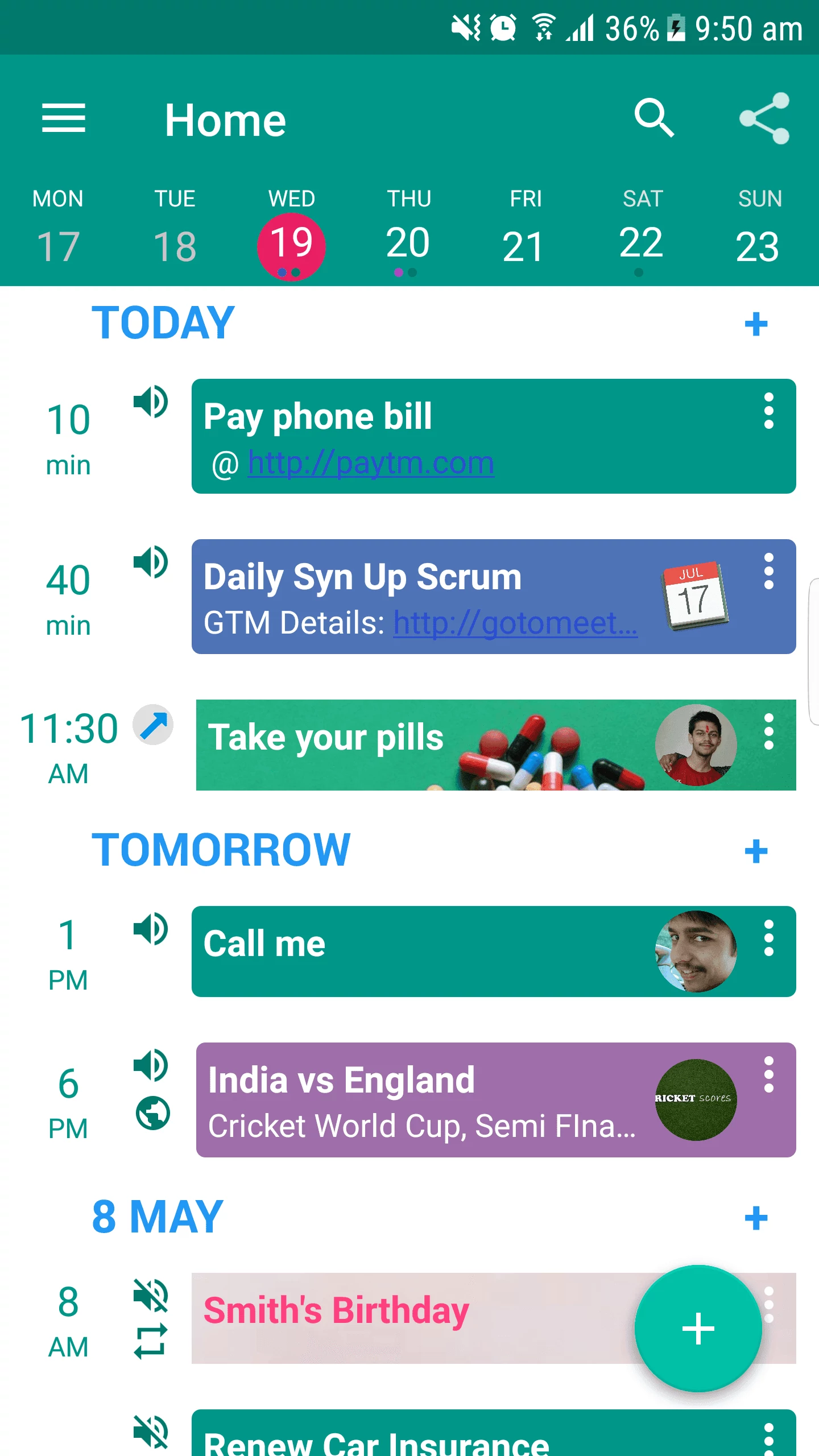
Set it on your phone, get it at your desk. Sent, received and completed states are visible at a glance, so you always know it landed.

Copy public reminders other people already built — concerts, fixtures, releases, birthdays.
Every past reminder lives in History. Copy it and move on.
How it works
No setup wizard, no onboarding tour. Open the app, add a reminder, choose who it's for.
Type it like a message. Set a time, add repeats or extra alerts if you need them.
Yourself, a contact, or a whole group. They don't need to install anything to receive it.
On their phone, in their browser, or in the chat app they're already in. You'll see when it's done.
Completed
Dad marked it done · 8:02 PM
Integrations
Add and receive reminders inside the tools you already have open. Same account, same timeline, everywhere.
Add reminders from a chat
Reminders in any channel
Bots for chats and spaces
Send and receive by mail
Chat with the Pi bot
Upcoming
Coming soon — reminders in your Teams chats
Remind yourself about a tweet
Tasks inside Webex spaces
Loved by the community
Pi Reminder has been nudging people since 2016 — the kind of app you install once and then quietly rely on for years.



Everything you need to stop forgetting the small stuff.
$0 forever
Unlimited reminders, every integration, priority support.
$2.99 / month
Start on the web, then pick up on your phone. Free plan, no card, no catch.
We'll email you a one time password. No spam, unsubscribe anytime.